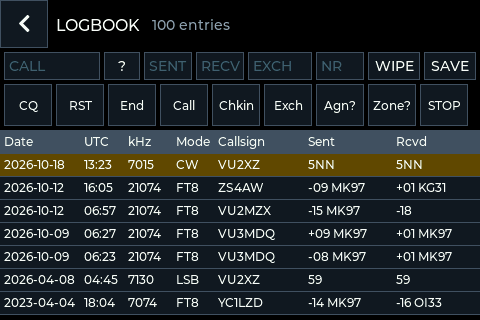
The logbook
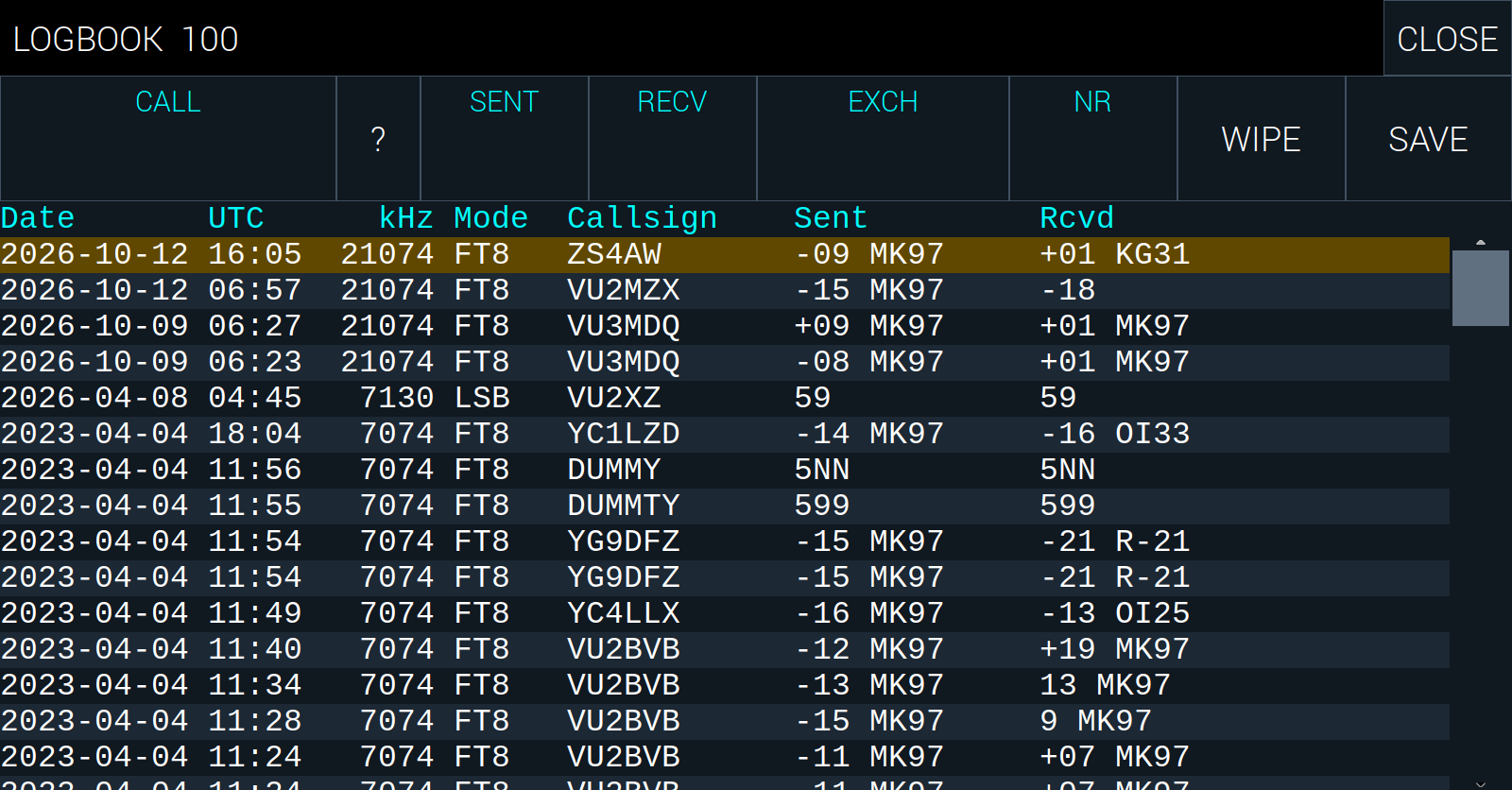
LOG opens the logbook. The newest entry is at the top.
To log a contact in CW or on the voice, fill in CALL (their callsign), SENT and RECV (the reports), and if you like EXCH (what they sent you: a serial number, a grid or a name) and NR (what you sent). SAVE writes the entry, with the mode, the frequency and the radio’s time. WIPE clears the fields. ? looks up CALL in the logbook, to see whether you have worked them before.
FT8 logs its contacts by itself.
Tap an entry to select it. Entries can be deleted from the front panel’s LOG screen; the search you made stays as it was.
In CW, the front panel’s LOG screen also has the CW macros, to send while you log, and STOP, which stops what is being sent.