Updating zbitxre
From the radio. In SET, select UPDATE and press. A box asks first; say yes. A view of the update, on the front panel and in the GTK client, shows each step as it happens: asking GitHub for news, building (about ten minutes on a zBitx, less on an sBitx), building the GTK client, then restarting the radio. CANCEL in the view stops it, and the radio is left as it was.
When something new was built, the radio waits until it is not transmitting, then restarts itself with the new version. On a zBitx it then gives the front panel its new firmware, if there is one, which takes under a minute; the panel restarts with its coloured bars, as it does when switched on. The last step says what the radio and the panel now have, such as DONE: now 4935493; panel 3a0386b, as before. If there was nothing new, it says DONE: already up to date.
On success the view closes by itself three seconds later, on the front panel and in the GTK client, and the GTK client starts again as its new build. A zBitx needs no monitor, so nothing waits for you to press anything. If the update failed or was cancelled, the view stays open, so that you can read why, until you press CLOSE.
Your settings, your logbook and the radio’s calibration are never touched by an update.
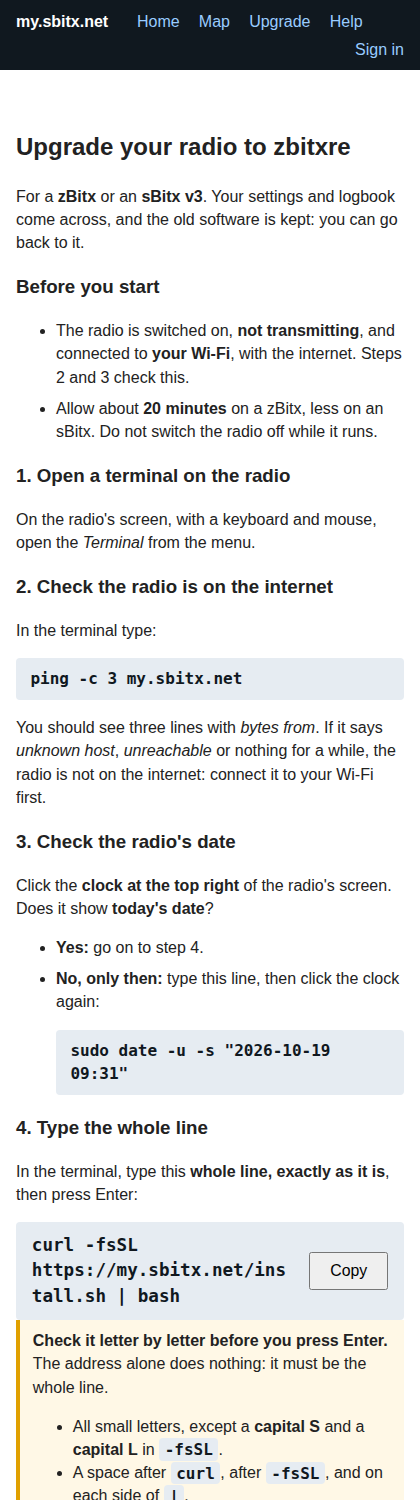
The first time. A radio still on the old software is moved to zbitxre once, from a terminal on the radio’s screen, as my.sbitx.net/upgrade shows step by step. The old software is kept, and ~/zbitxre/setup/undo_install.sh puts it back.
- On a zBitx, the install turns off the radio’s own WiFi access point, which many zBitxes came with for the old software. A zBitx running zbitxre is a WiFi client only: the access point beside the client loses much of what the radio sends and receives.
undo_install.shturns it back on. - On a zBitx whose front panel has the old firmware, the terminal says the front panel needs the USB cable. That is done once, as the Upgrade page shows: radio off, any cable unplugged from the micro-USB port marked CAT, the tuning knob held in while the radio is switched on, then a USB cable from the CAT port (not the one marked USB) to a computer and
front_panel.uf2copied onto the drive that appears. After that, every update gives the panel its firmware by itself.